
Dave picks the right field types — and thirteen new ones
Ask Dave for a list and each field gets the type it needs: email, phone, money, stars, yes/no, a status to choose from. Plus thirteen new field types, from Rating and Duration to Barcode and Button.
A list is only as good as its fields. A phone number should be a phone number, a price should be money, a rating should be stars. Flexlists now has thirteen more field types, and Dave, our assistant, picks the right one the first time.
Dave picks the right type, first time
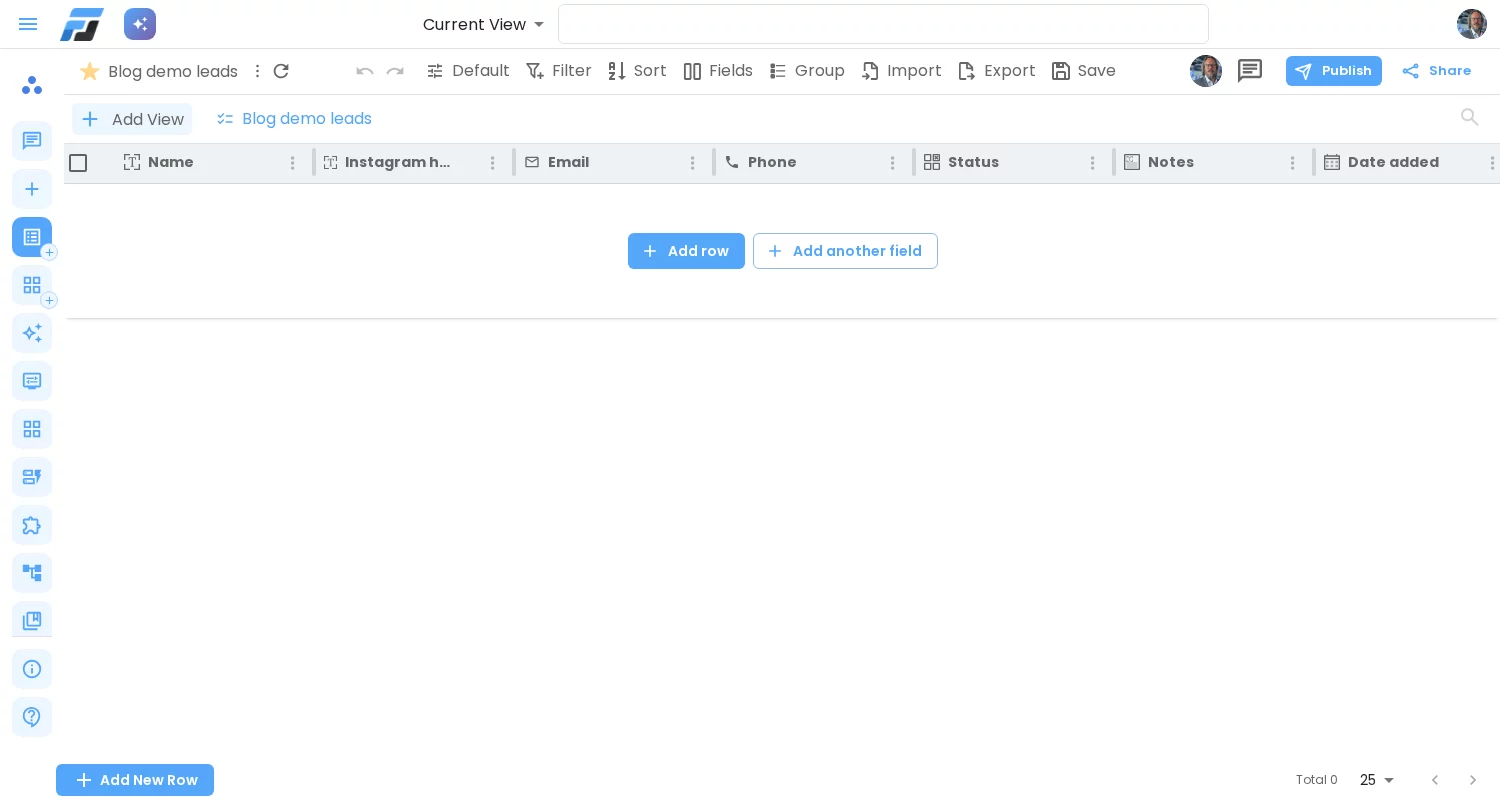
Ask Dave for "a list of leads with name, Instagram handle, email, phone, status (new, contacted, answered, won), notes, date added, contacted yes or no, deal value in euros and a rating out of 5 stars", and you get exactly that: an email field, a phone field, a status you can choose from, long text for the notes, a date, a yes/no, money in euros and five stars. Not a column of plain text.
Dave also reads your data. Drop a spreadsheet and it works out which column holds dates, which holds yes and no, which holds amounts and which holds email addresses. It notices when the first row is data rather than headers, and asks you instead of guessing. If you tell Dave which type you want, it uses exactly that.
Thirteen new field types
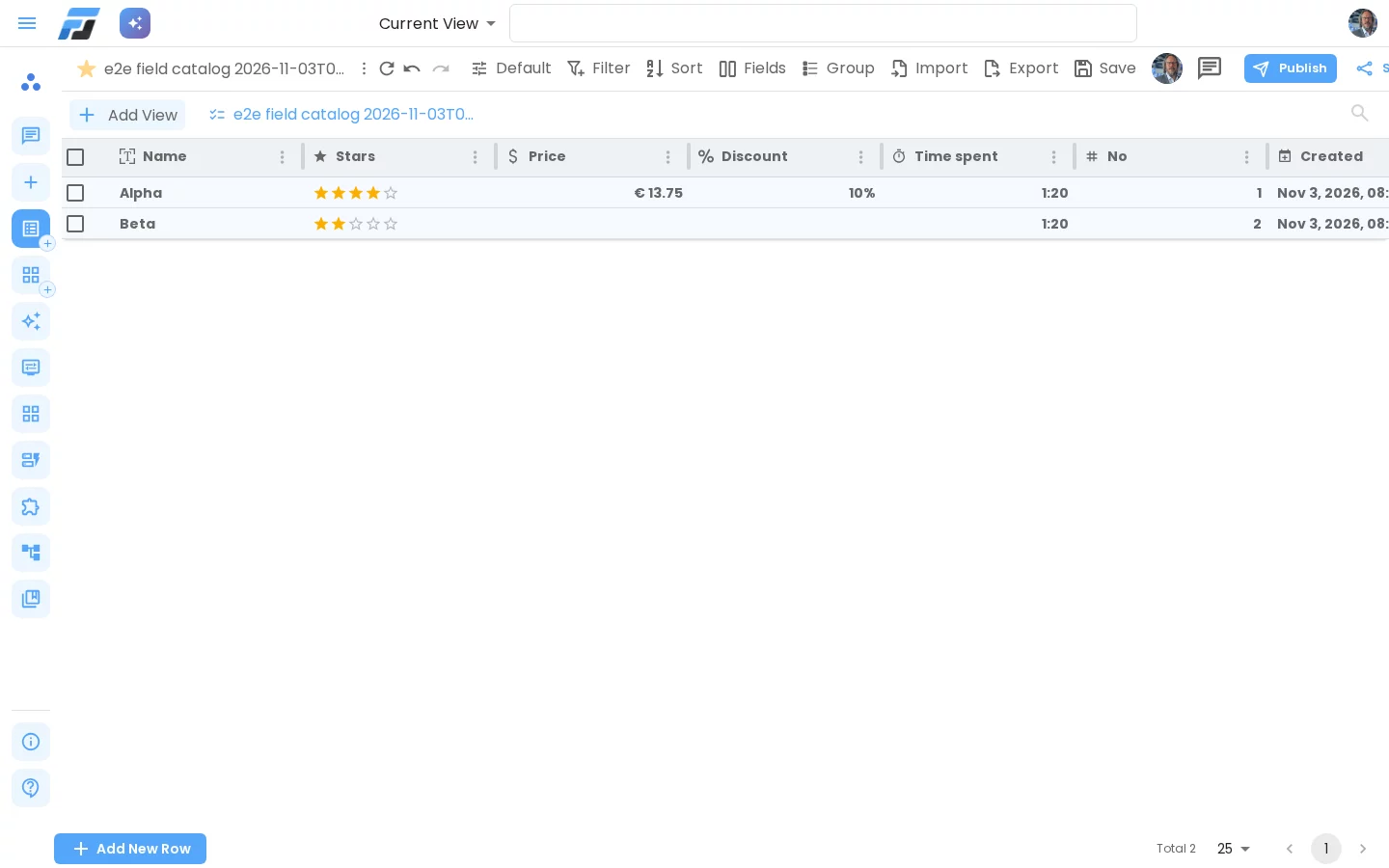
- Money and Percentage, with currency and decimals.
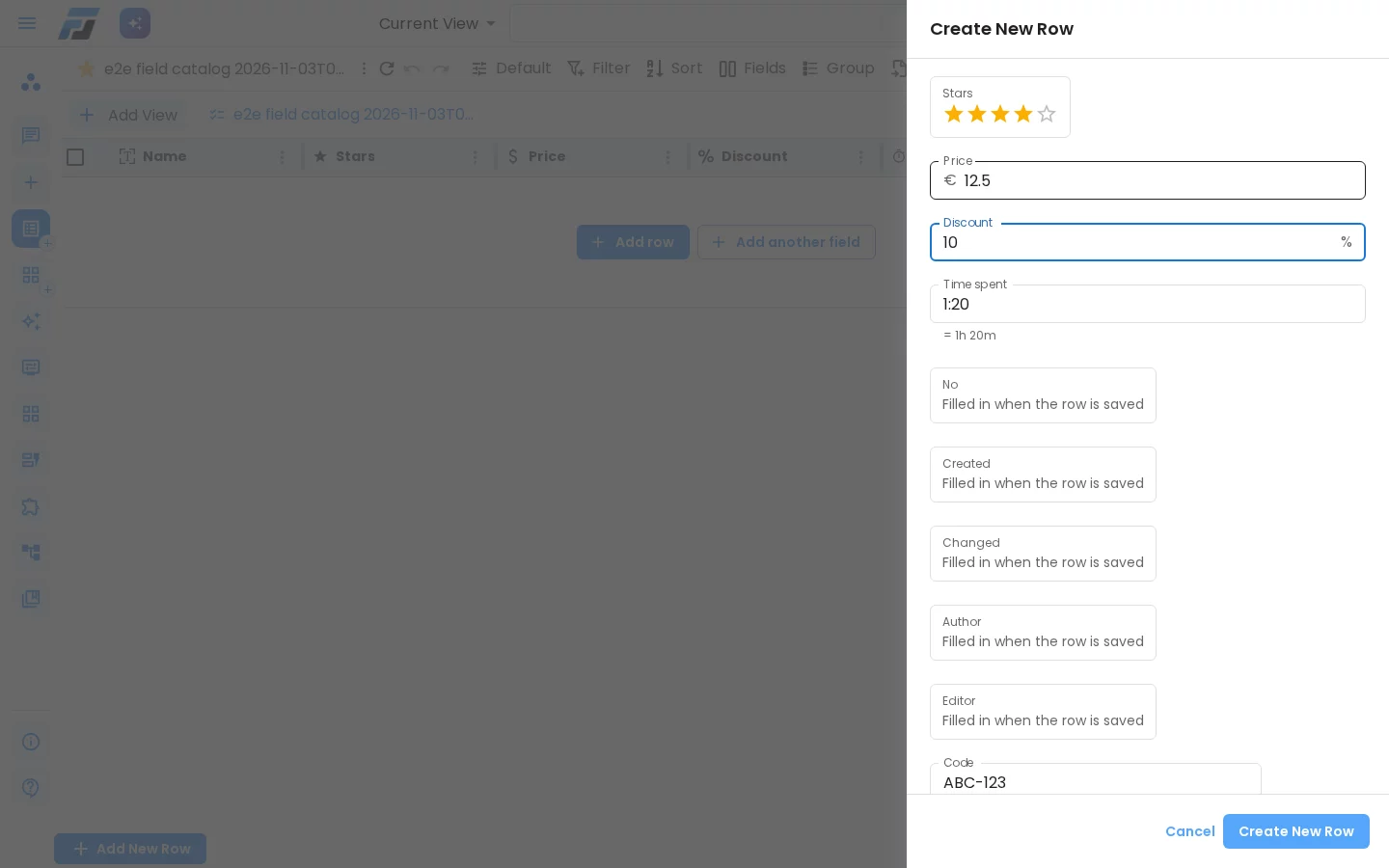
- Rating: stars, as many as you choose.
- Duration: type "1:20", "80m" or "1h 20m" and get hours and minutes, summed in totals.
- Email and Phone: checked as you type, and one click to write or call.
- Barcode: shown as a Code 128 barcode or a QR code.
- Button: a button in the row that opens a link, with the row's own data in it.
- Autonumber: a number that counts up by itself and is never reused.
- Created time, Last modified time, Created by and Last modified by: filled in automatically, also when a row is changed through the API.
Change your mind safely
You can change a field's type at any time, by hand or by asking Dave ("make Price a money field in euros"). Flexlists shows what will happen, keeps a backup, and tells you about any value that doesn't fit instead of quietly blanking it.
Works everywhere
The new types work in the grid and the row panel, in filtering and sorting, in totals and in CSV export, and they are part of the API.
Lists you made earlier don't change on their own. To tidy one up, open it and ask Dave: "check the field types of this list".