
Try a change privately before everyone sees it
Changing a list or app your whole team uses? Ask Dave to try it in a private branch first. Only you see it until you release it to everyone, or throw it away.
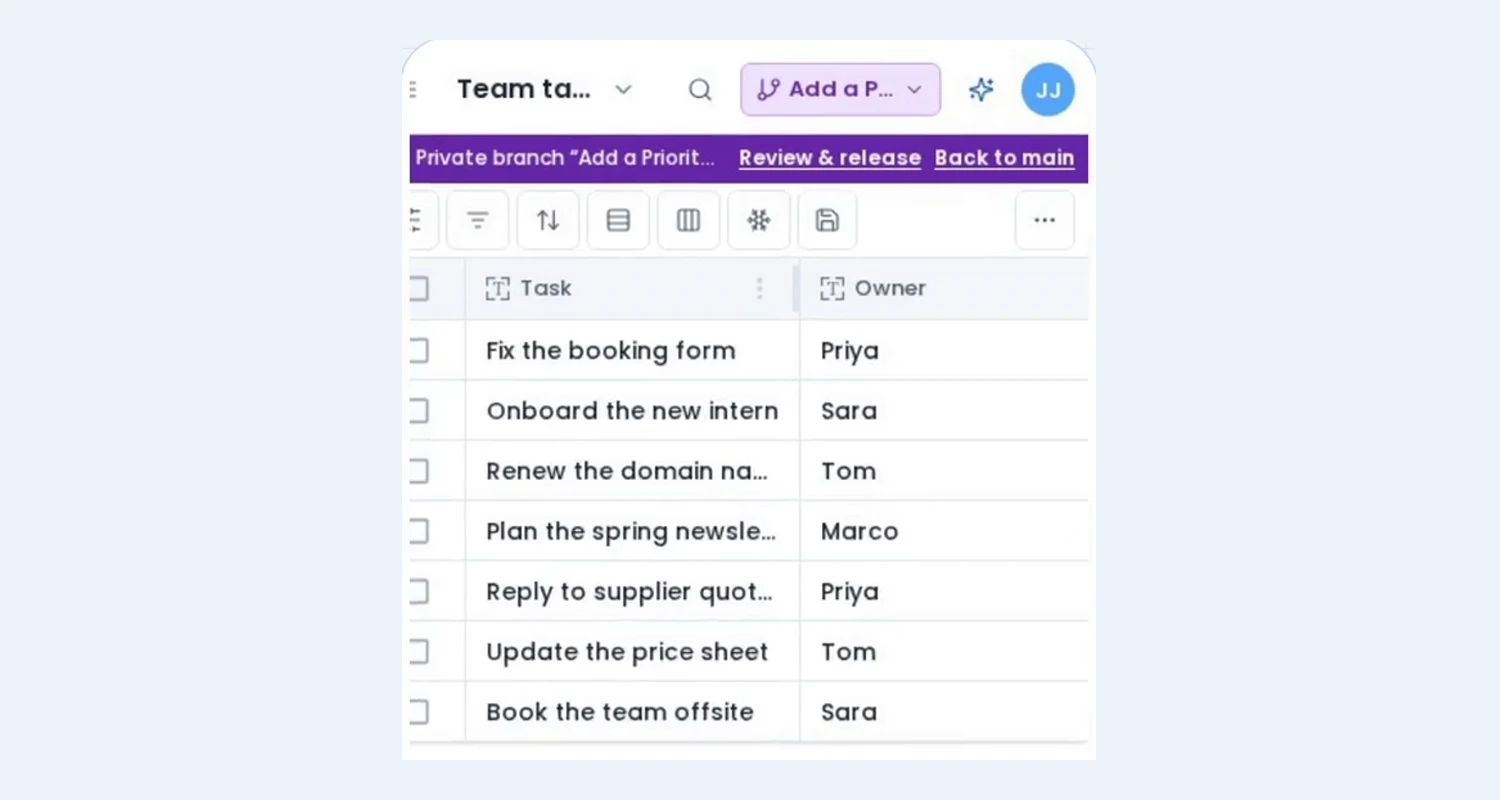
A list your whole team uses is hard to change. Add a field, rename one, rework an app page, and everybody sees it the moment you do, half-finished or not. Now you can try the change privately first, and release it when it's right.
Dave asks before it changes things for everyone
Ask Dave for something your teammates would notice: a new field on a shared list, a change to an app, a page, a form or an automation. Before it touches anything, Dave asks one question:
- Change it for everyone (the default), or
- Try it first in a private branch.
Pick the branch and Dave makes the change there. In Plan mode the same choice is a box on the plan card: Build in a private branch. Leave it unticked and Dave builds for everyone, as before.
Adding rows, importing data and filtering or sorting a view for yourself never ask. Nobody else notices those.
Only you see it
While you work in a branch, a band under the top bar says so: Private branch "Add a Priority field" — only you see these changes. Everything the branch added or changed carries a small branch badge, on your lists, views, apps, forms and fields.
Your teammates keep working on the list as it was. Click Back to main to see what they see, and switch back to your branch whenever you like. You can also invite a colleague into the branch to try it with you.
Release it, or throw it away
When you're happy, open Review & release. It lists every change in plain words: which fields were added, which page changed, what was renamed. Then:
- Release makes it live for everyone at once.
- Discard removes everything the branch made, as if it never happened.
A branch never gives you more rights than you have. To change a list's fields you still need Full Access to it, branch or not.
Try it
Private branches are on for every Flexlists account now: nothing to switch on. Ask Dave for your next change and pick Try it first in a private branch.