
Dave is your front door: drop files or ask anything
Flexlists now starts with a conversation. Drop a spreadsheet or ask for what you need, and Dave builds it with you — it reuses what you already have, asks "Shall I build it?", shows you every step, and puts the finished site right in the chat.
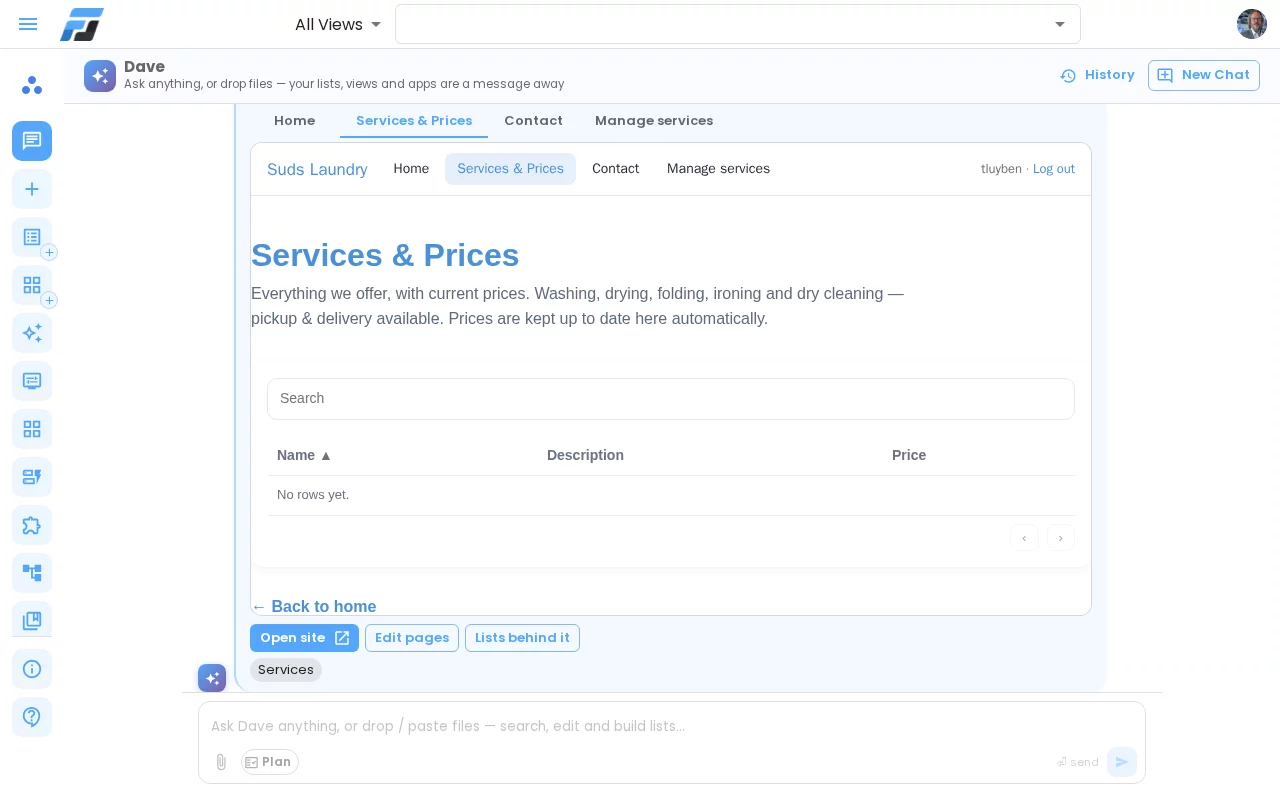
Flexlists now starts with a conversation. Drop a spreadsheet or ask for what you need, and Dave, our assistant, builds it with you — lists, views, forms and whole websites — and shows you the result right there in the chat.
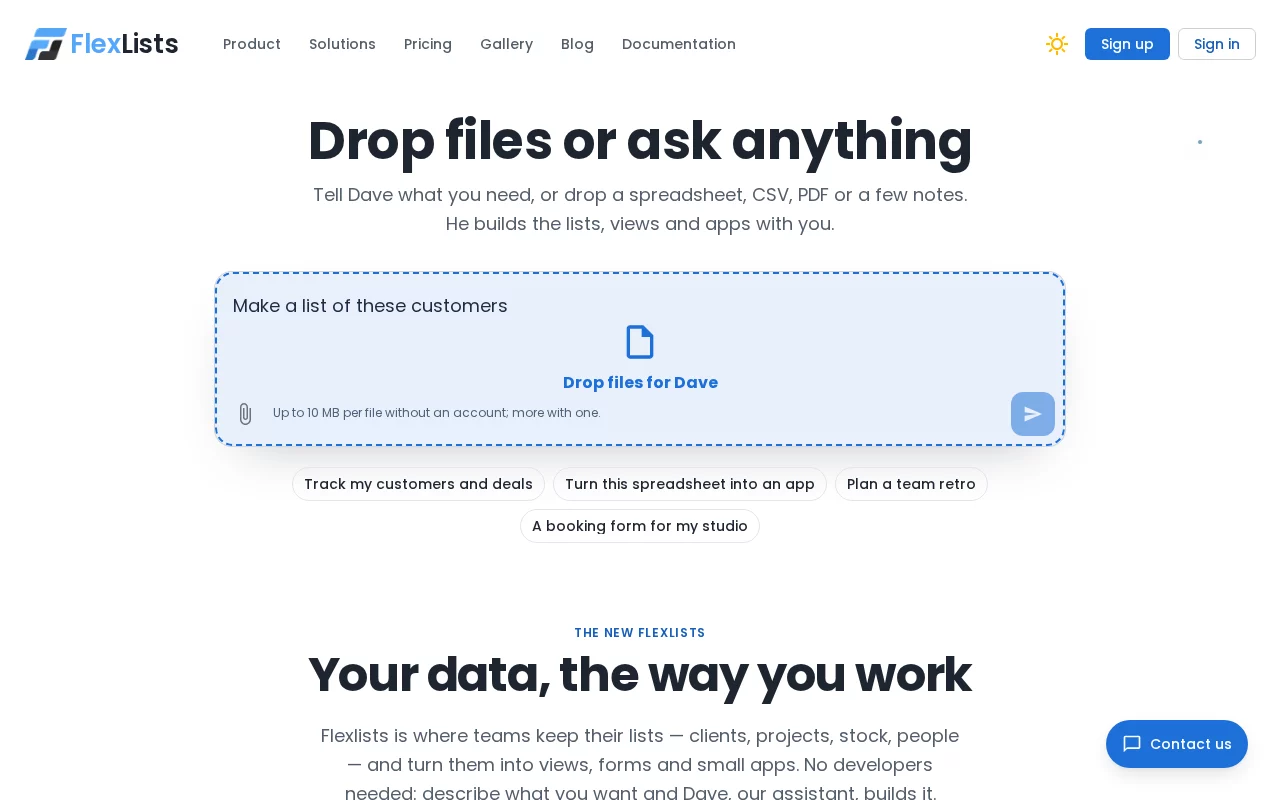
Drop files or ask anything
The top of the homepage is now a box where you talk to Dave. Type what you need, drop a spreadsheet, a CSV, a PDF or a few notes, or pick one of the examples. You don't need an account to start.
When you send it, Flexlists keeps your request and your files for you. Create a free account or sign in, and Dave picks it up straight away: the files are attached, your request is sent, and Dave gets to work. Nothing to type twice.
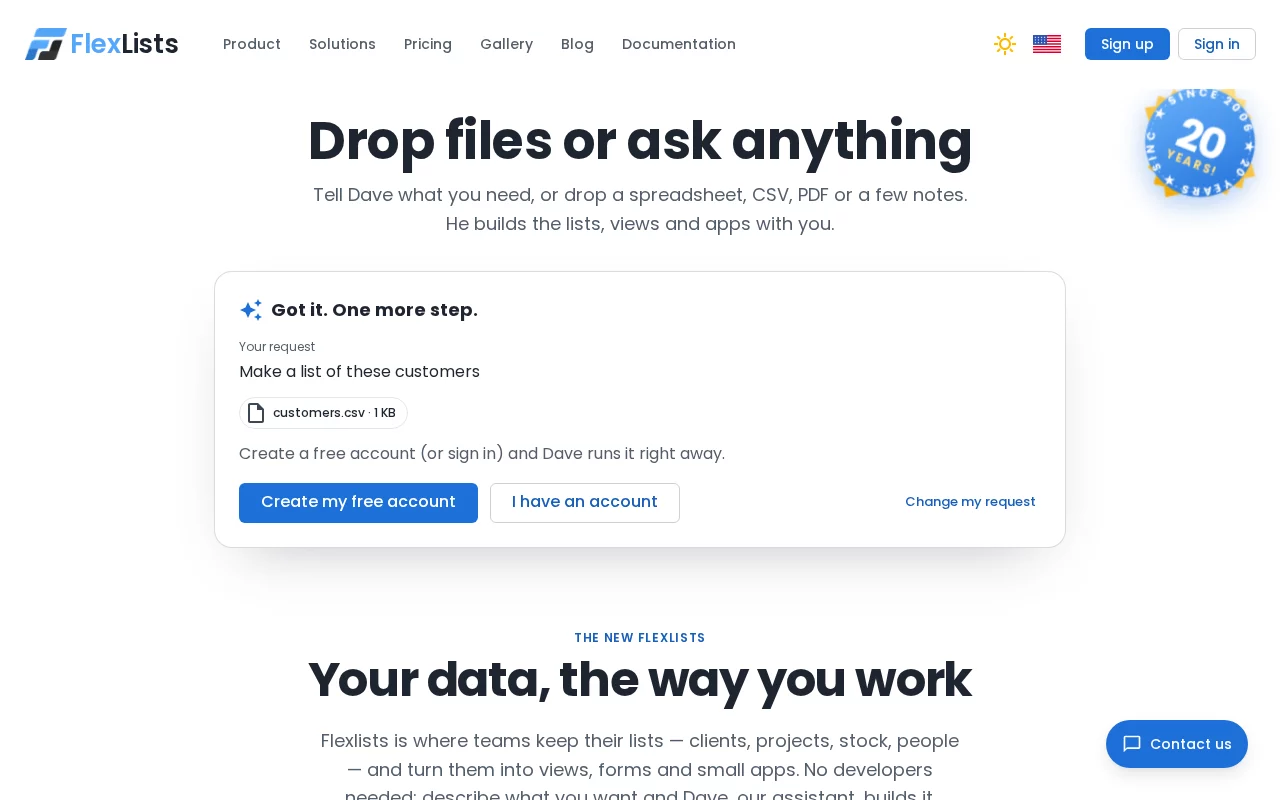
Dave is your home screen
After you sign in, you land on Dave. Ask a question, drop a file, or continue an earlier conversation from History. Your lists, views and apps are still one click away in the menu. On a phone, Dave opens full screen; tap × to get back to the menu.
You can drop or paste files anywhere Dave appears — on the Dave home, in the side panel next to a list, or in a chat about a form or an app.
Dave uses what you already have
Before Dave builds something new, it looks at what's there: your own lists and views, the built-in views, ready-made templates, and the hundreds of integrations for tools like Slack, Gmail and Stripe. It only writes custom code when nothing else fits, and it tells you why.
When there is more than one good way to do something — a Kanban board or a timeline, a new list or an existing one — Dave shows you the choices as buttons, with the one it recommends first. If there's one clear best way, it simply does it.
"Shall I build it?"
Ask Dave for a website — "make a simple site for my laundry with services and prices" — and it tells you, in plain words, what it will make: the pages, what visitors can see, what stays private, and which lists hold the content. Then it asks one question: Shall I build it?
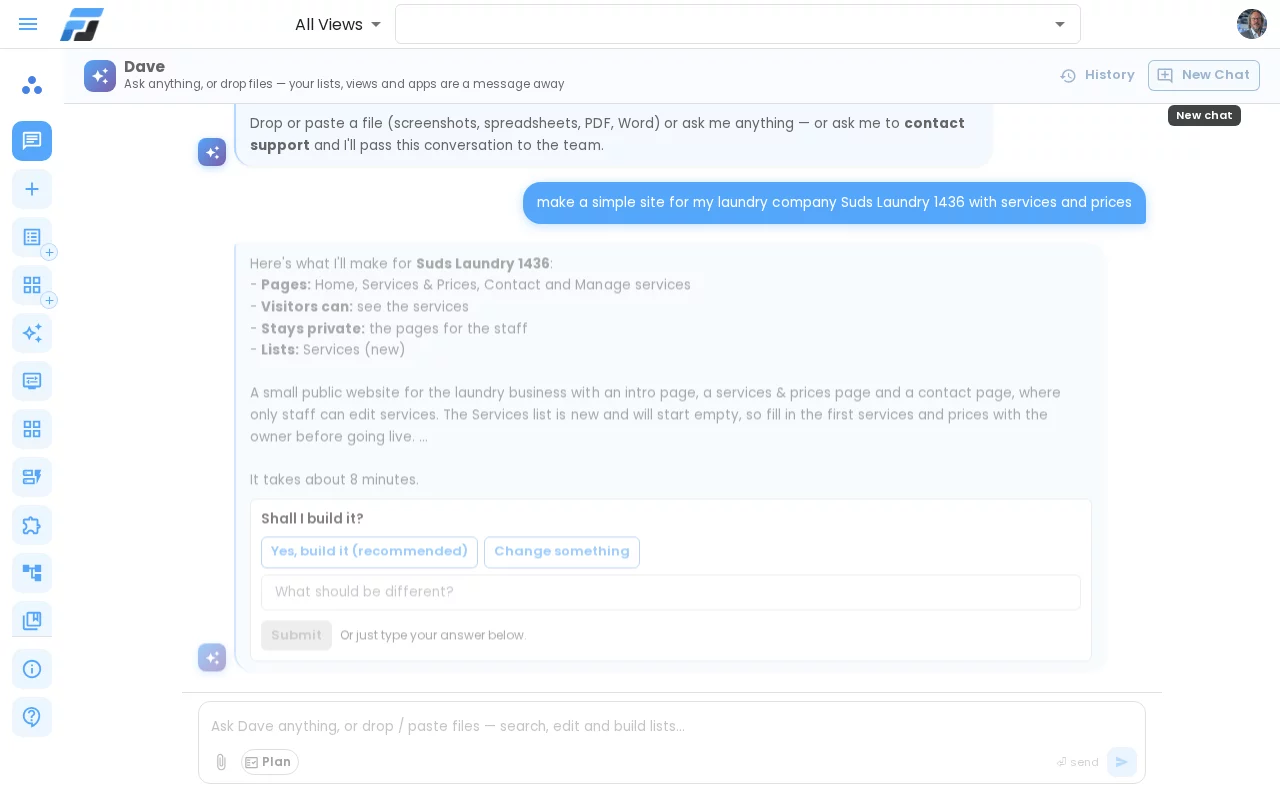
See what Dave is doing
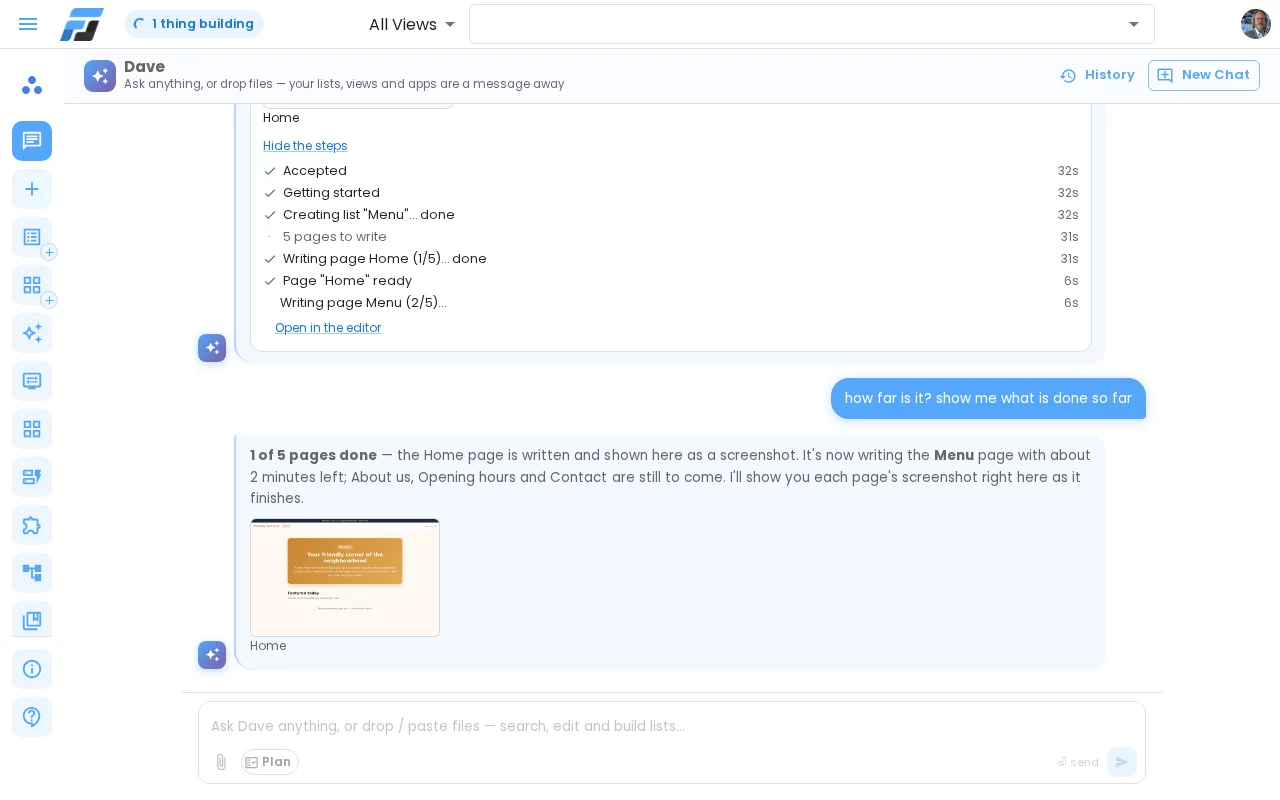
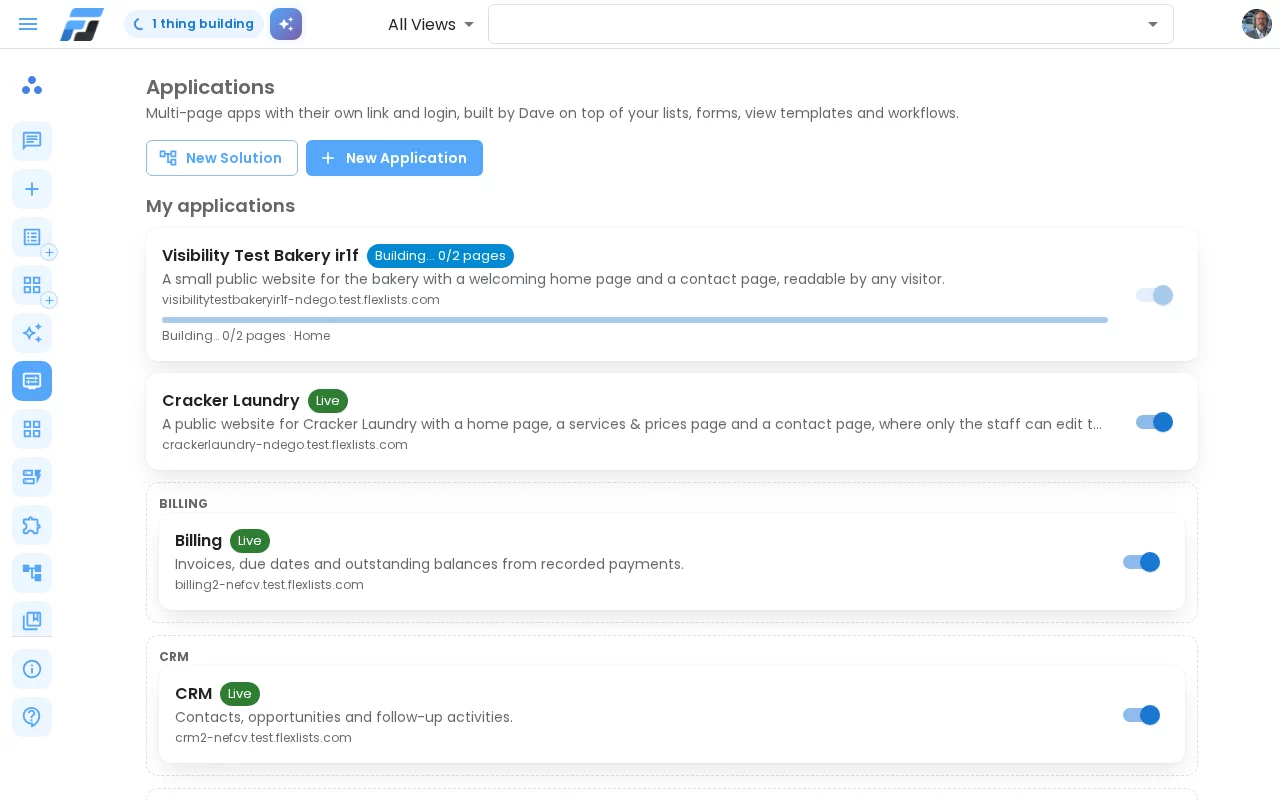
Once you say yes, you can follow along. The chat shows every step as it happens — creating a list, writing each page — and Applications shows the site as Building… 2 of 5 pages. Ask "how far is it?" and Dave answers with the real progress and a screenshot of every page that's already done.
The finished site, right in the chat
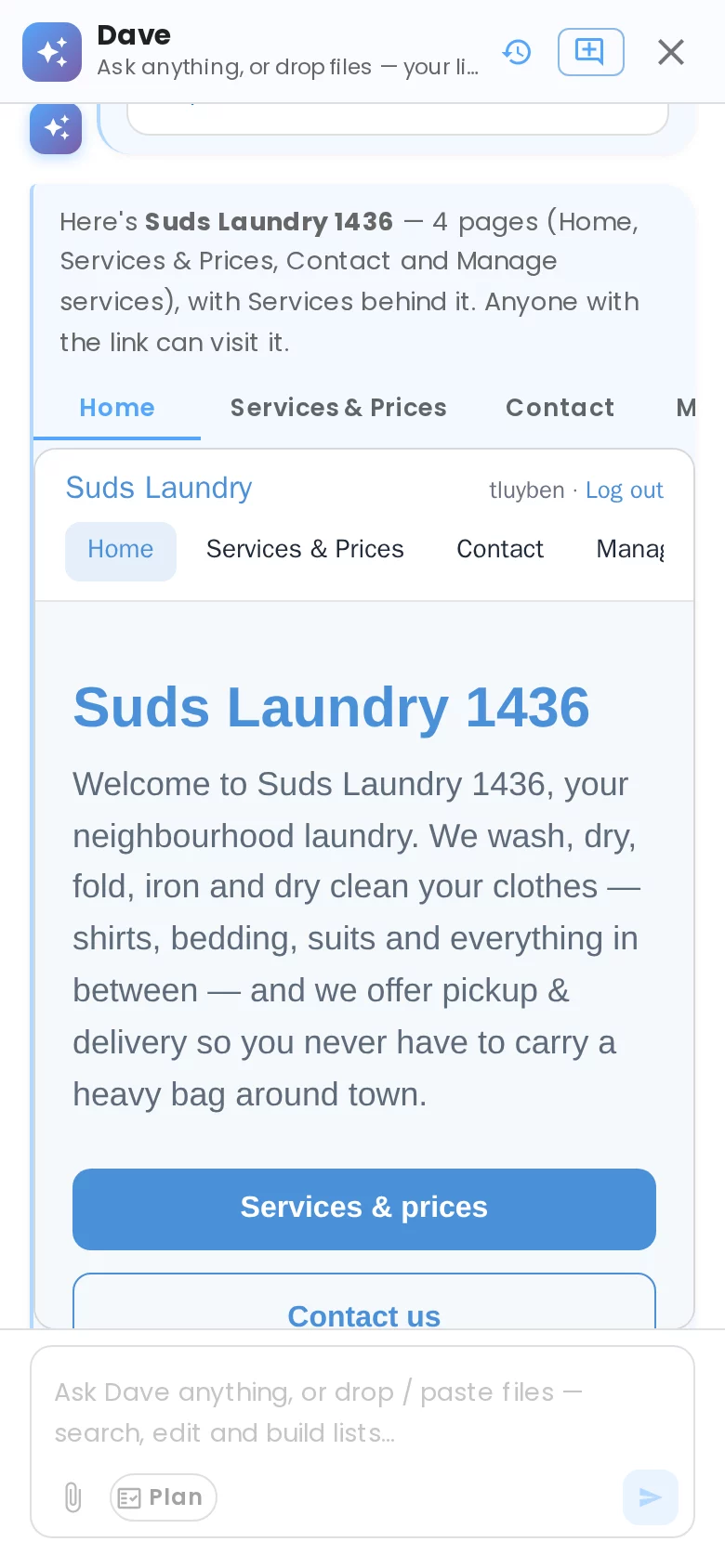
When the site is ready, Dave shows it to you inline — you can click through the pages without leaving the chat — with links to Open site, Edit pages and the Lists behind it. On a phone, the preview fills the screen.
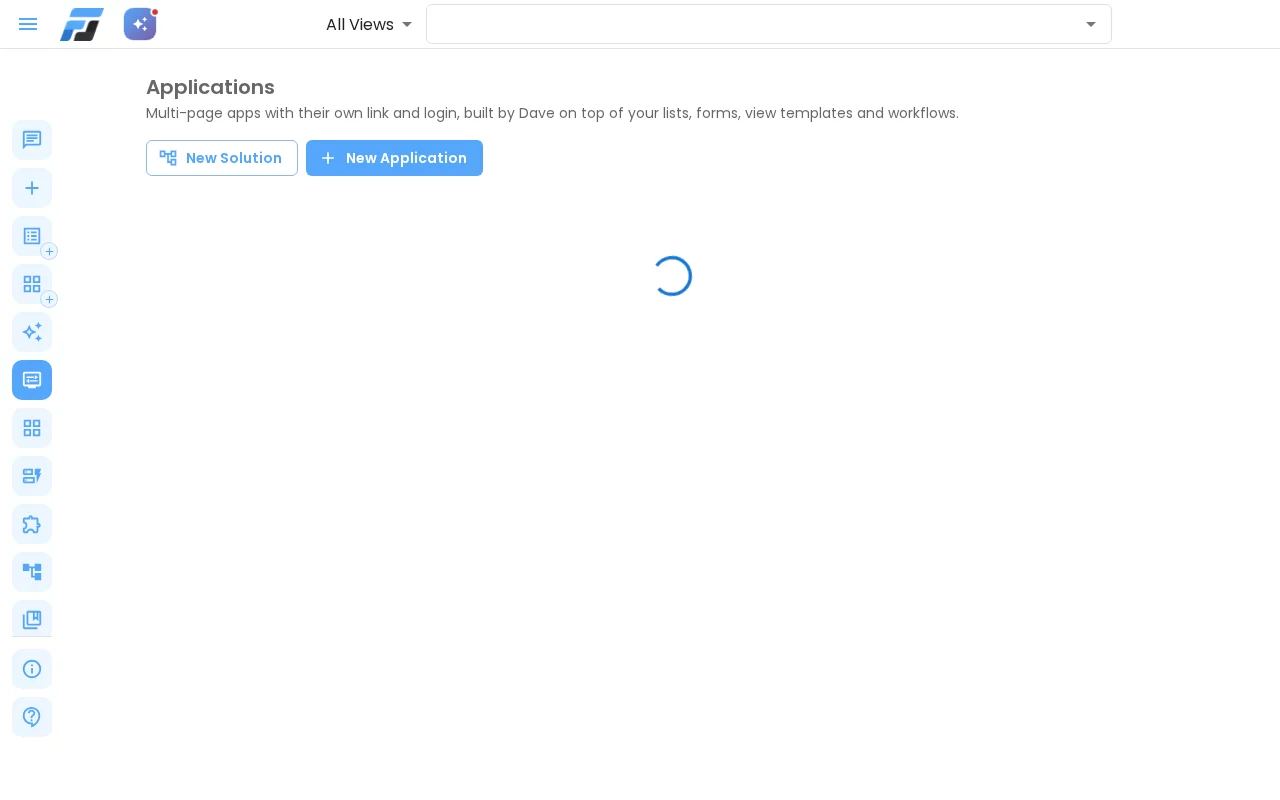
Closed the tab while it was building? No problem. When the build finishes, Dave posts the result in your conversation and the Dave button gets a small red dot, so you know there's something waiting for you.
Try it
Go to flexlists.com and tell Dave what you need — or drop the spreadsheet you've been meaning to tidy up.